Best Graphics Card for Fortnite: Top Picks You Need |
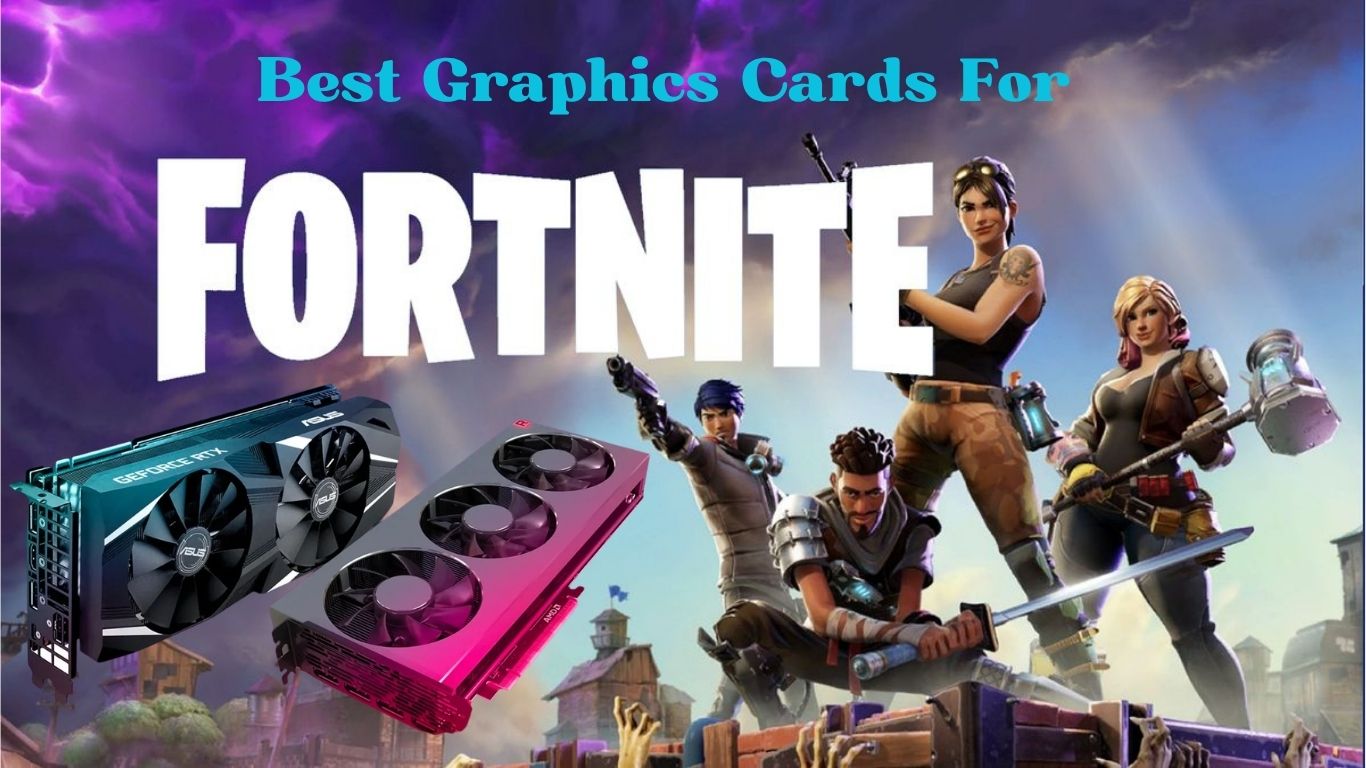
If you’re serious about Fortnite, you already know that raw skill only takes you so far. Frame drops during a build battle, stuttering in the final zone, or a laggy visual response can mean the difference between a Victory Royale and an early exit. That’s why choosing the best graphics card for Fortnite is one of the smartest investments you can make as a player. With Fortnite’s Unreal Engine 5 upgrades bringing Nanite, Lumen, and DLSS 3.5 support into the mix, today’s GPU demands are higher than ever, but so are the rewards when you have the right hardware. Whether you’re gaming on a tight budget or building a high-end competitive rig, this guide has you covered.
We’ve benchmarked performance, compared prices, and cut through the marketing fluff to bring you the definitive ranking of the best GPUs for Fortnite in 2026.
What is Fortnite?
Fortnite is a free-to-play battle royale game developed by Epic Games. Launched in 2017, it has grown into one of the most-played games on the planet, boasting over 350 million registered players across PC, console, and mobile. The game drops 100 players onto an island where they scavenge for weapons, build structures, and fight until only one player (or team) remains. It’s famous for its rapid, seasonal updates, collabs with pop culture icons, and a surprisingly high skill ceiling, especially in its competitive modes.
Fortnite has also recently upgraded to Unreal Engine 5, adding cinematic lighting, highly detailed environments, and advanced rendering effects. These improvements look stunning, but they put a much bigger load on your GPU. That’s exactly why picking the right graphics card matters.
Why Your GPU Matters for Fortnite
Fortnite is more CPU-dependent than many games, but that doesn’t make the GPU irrelevant. Here’s why your graphics card is still central to a great experience:
- Frame rate (FPS): Higher FPS means smoother gameplay and faster visual feedback. Competitive players typically target 144, 240, or even 360 FPS.
- Resolution rendering: A powerful GPU lets you run at 1080p, 1440p, or 4K without frame drops.
- Ray tracing & Lumen: Fortnite’s UE5 lighting requires real GPU muscle — weaker cards struggle here.
- DLSS / FSR upscaling: AI-powered scaling (NVIDIA’s DLSS or AMD’s FSR) can boost FPS with minimal visual quality loss — but you need a compatible GPU.
- Thermals during long sessions: A better GPU runs cooler and more efficiently during marathon gaming sessions.
The bottom line: a weak or outdated GPU bottlenecks your experience, even if your CPU is fast. Choosing the best graphics card for Fortnite, specifically, not just any gaming GPU, is key.
Key Features to Consider Before Buying the Best Graphics Card For Fortnite
1: VRAM: At least 8GB for 1080p, 12GB+ for 1440p/4K. Fortnite’s UE5 assets are VRAM-hungry.
2: Target Resolution: Match your GPU to your monitor. A 4K GPU is wasted on a 1080p 60Hz screen.
3: Refresh Rate Support: Competitive players need 144Hz+. Your GPU should push enough FPS to match.
4: DLSS / FSR / XeSS: AI upscaling tech boosts FPS for free. NVIDIA DLSS 3.5 is the current gold standard.
5: Thermal & Power: Check your PSU wattage and case airflow before picking a high-end card.
6: Budget: Great Fortnite performance starts at under $200. No need to overspend unless you want 4K/ultra.
Top Best Graphics Card for Fortnite
Below are our top picks, tested across multiple settings and resolutions in Fortnite Chapter 5. These are the best GPUs for Fortnite across every budget tier.
1: NVIDIA GeForce RTX 4070 Super
The NVIDIA GeForce RTX 4070 Super is our top overall pick for Fortnite in 2025. With 12GB GDDR6X VRAM and DLSS 3.5 Frame Generation, it delivers a breathtaking 280–320 FPS at 1080p and a smooth 180–210 FPS at 1440p, ideal for both competitive and visual-quality focused players. Its efficient 250W TDP keeps thermals in check despite the raw power on offer. It hits the perfect sweet spot between performance, future-proofing, and value for serious Fortnite players.
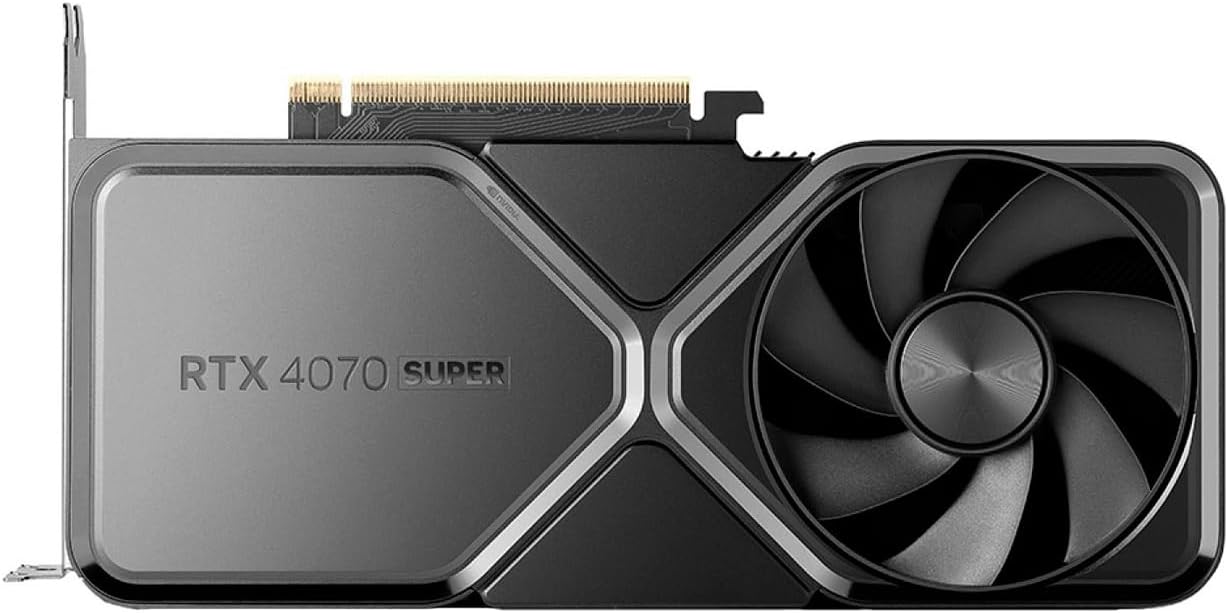
Best for: 1440p competitive + casual 4K
- 7,168 CUDA cores · 12GB GDDR6X VRAM
- Full DLSS 3.5 + Frame Generation support
- Fortnite 1440p Max: ~180–210 FPS avg
- 250W TDP — efficient for its class
- Ada Lovelace architecture with AV1 encode
Pros
- Exceptional 1440p performance
- DLSS 3.5 is a game-changer
- Runs cool and quiet
- Future-proofed for 2–3 years
Cons
- Pricey for Fortnite-only use
- Overkill for 1080p/144Hz
2: NVIDIA GeForce RTX 4060 Ti
The RTX 4060 Ti is a standout choice for Fortnite at 1080p. With 8GB (or 16GB) GDDR6 VRAM and DLSS 3.5 Frame Generation, it pumps out an impressive 240–280 FPS at 1080p in performance mode, perfect for 240Hz competitive gaming. Its efficient 165W TDP keeps power bills low and temperatures manageable. It strikes an excellent balance between price and performance, making it one of the best graphics cards for Fortnite in 2026.
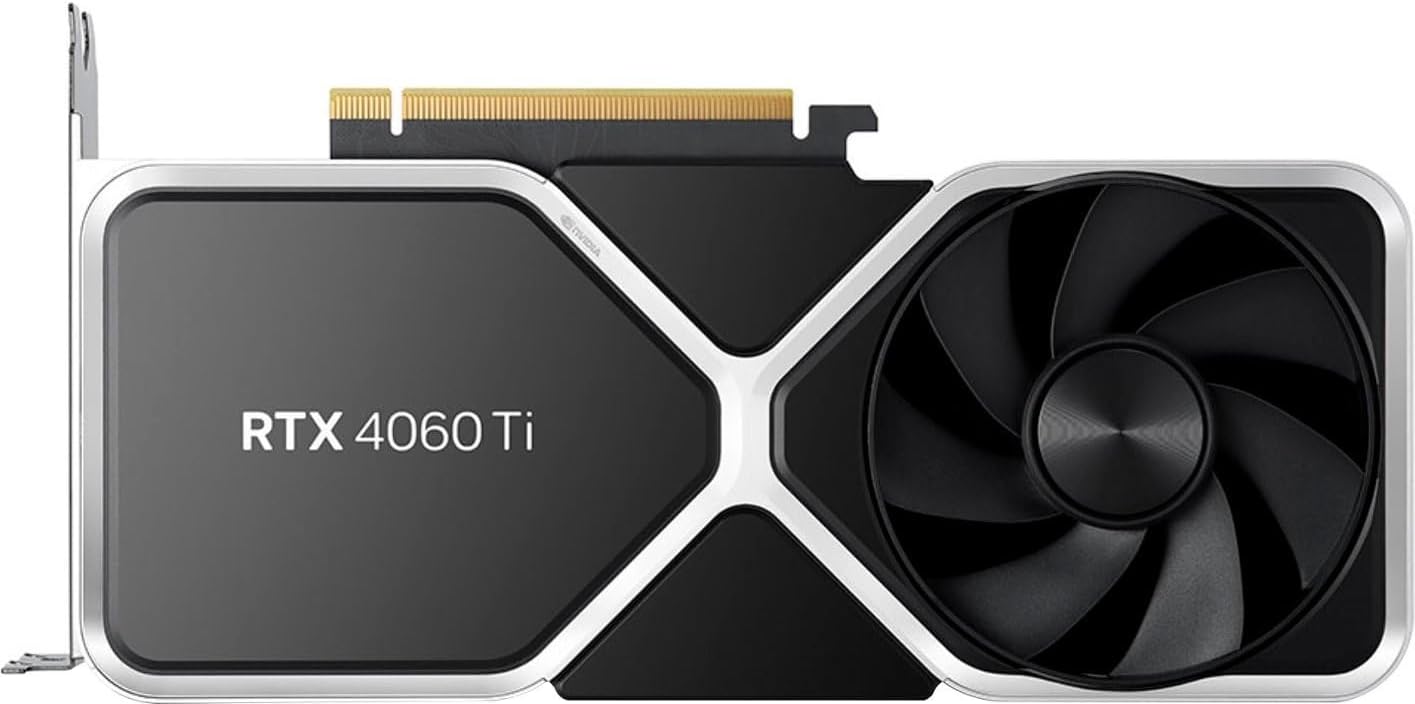
Best for: 1080p–1440p competitive play
- 4,352 CUDA cores · 8GB (or 16GB) GDDR6
- DLSS 3.5 support with Frame Generation
- Fortnite 1080p: ~220–270 FPS avg
- 165W TDP — great for smaller builds
- Compact dual-fan designs widely available
Pros
- Crushes 1080p competitive FPS
- Low power draw
- 16GB variant for content creators
Cons
- 8GB VRAM tight for 4K
- Not the best 4K gaming card
3: AMD Radeon RX 7800 XT
The AMD Radeon RX 7800 XT is a powerhouse mid-range card for Fortnite at 1440p. With a generous 16GB GDDR6 VRAM and FSR 3 support, it delivers a smooth 160–190 FPS at 1440p on competitive settings, ideal for high-refresh monitors. Ray tracing isn’t its strong suit, but raw rasterisation performance is excellent. It offers more VRAM than most NVIDIA rivals at the same price, making it a smart long-term investment for serious Fortnite players.

Best for: 1440p players on the AMD ecosystem
- 3,840 stream processors · 16GB GDDR6
- AMD FSR 3 + Fluid Motion Frames
- Fortnite 1440p: ~160–190 FPS avg
- 263W TDP — slightly power hungry
- Excellent rasterisation performance
Pros
- 16GB VRAM at this price
- Great 1440p raster performance
- Strong value vs NVIDIA competition
Cons
- FSR not as polished as DLSS
- Ray tracing underwhelming
- Higher power draw
4: NVIDIA GeForce RTX 4060
For budget-conscious players who play Fortnite at 1080p, the RTX 4060 is near-perfect. With 8GB GDDR6 VRAM and DLSS 3.5 Frame Generation, it effortlessly pushes 260–310 FPS at 1080p in performance mode — more than enough for a 240Hz monitor. Its ultra-low 115W TDP keeps your system cool and quiet, making it perfect for compact builds. It is the smartest value pick for competitive Fortnite players who want NVIDIA’s latest AI upscaling without breaking the bank.

Best for: 1080p 144Hz competitive players
- 3,072 CUDA cores · 8GB GDDR6
- DLSS 3 with Frame Generation
- Fortnite 1080p performance mode: ~300+ FPS
- 115W TDP — extremely power efficient
- Runs cool in even budget cases
Pros
- DLSS 3 at $299 is an incredible value
- Very low power draw
- Quiet and compact
Cons
- 8GB limits longevity
- 1440p only at medium settings
5: NVIDIA GeForce RTX 4090
Unless you’re a 4K streamer, content creator, or simply want the absolute best, the RTX 4090 is overkill for Fortnite. With a massive 24GB GDDR6X VRAM and full DLSS 3.5 support, it smashes through 400+ FPS at 1080p and delivers silky 4K gameplay with Epic settings enabled. It’s overkill for Fortnite alone, but if you’re a streamer, content creator, or simply want zero compromises, nothing comes close.
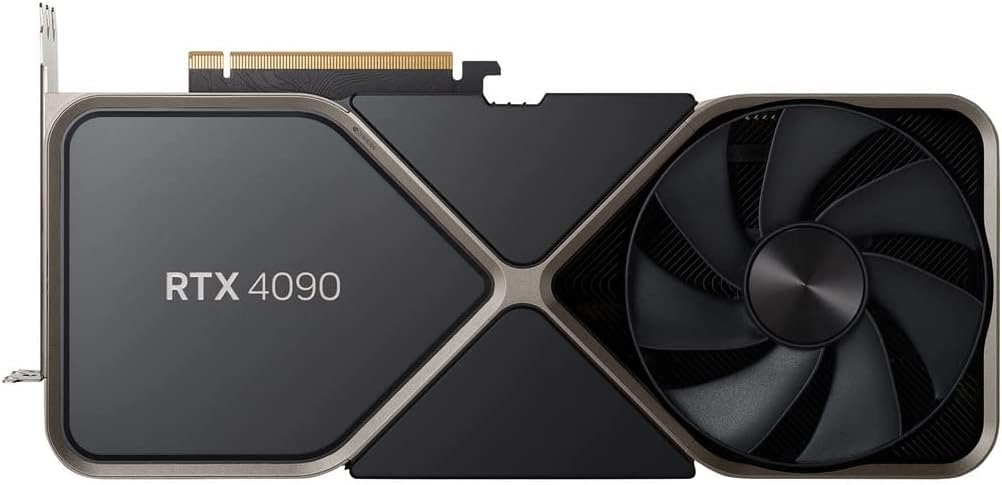
Best for: 4K content creation + streaming + Fortnite
- 16,384 CUDA cores · 24GB GDDR6X
- DLSS 3.5 + full ray tracing support
- Fortnite 4K Epic: ~120–160 FPS avg
- 450W TDP — needs a high-end PSU
- Absolute top-end gaming GPU available
Pros
- Fastest GPU money can buy
- 4K 144Hz Fortnite is possible
- 24GB VRAM future-proofed
Cons
- Massive overkill for Fortnite alone
- Very expensive
- Large card — needs big case
6: AMD Radeon RX 7600
A solid budget pick for new PC builders. Packing 8GB GDDR6 VRAM and FSR 3 support, it delivers a smooth 140–180 FPS at 1080p on medium-high settings — perfectly playable on a 144Hz monitor. It struggles above 1080p, but for casual and competitive players who don’t need ultra visuals, it gets the job done.

Best for: Entry-level 1080p gaming
- 2,048 stream processors · 8GB GDDR6
- FSR 3 support, AV1 encode
- Fortnite 1080p: ~140–180 FPS (medium/high)
- 165W TDP — easy to power
Pros
- Very affordable
- FSR 3 support
- Low power and heat
Cons
- Struggles above 1080p
- No DLSS
7: NVIDIA GeForce RTX 3060
The NVIDIA GeForce RTX 3060 is a solid mid-range choice for Fortnite. With 12GB GDDR6 VRAM and DLSS 2 support, it handles 1080p gameplay smoothly, delivering 150–200 FPS in performance mode, plenty for a 144Hz monitor. It won’t max out Fortnite’s UE5 visuals, but for competitive play at medium settings, it’s more than capable. It offers excellent value for budget-conscious players upgrading from older hardware.

Best for: Budget 1080p players, used market
- 3,584 CUDA cores · 12GB GDDR6
- DLSS 2 support
- Fortnite 1080p: ~150–190 FPS
- 170W TDP
Pros
- 12GB VRAM at budget price
- Great used market value
- Still very capable at 1080p
Cons
- No DLSS 3 Frame Generation
- Older architecture
Common Mistakes to Avoid
1: Buying a GPU for your old monitor — A 4K GPU paired with a 1080p 60Hz monitor is a waste of money. Upgrade your display first if needed.
2: Ignoring VRAM — Fortnite’s UE5 assets can use 6–8GB+ at high settings. Going below 8GB in 2025 is risky.
3: Forgetting your PSU — A high-end GPU with a weak power supply causes crashes and instability. Match your PSU wattage to the GPU’s TDP plus 30%.
4: Buying a GPU without checking CPU compatibility — Pairing an RTX 4090 with an old Core i5 creates a severe CPU bottleneck in Fortnite.
5: Not using performance mode — Fortnite’s in-game performance mode (lower quality, way higher FPS) is designed for competitive play. Don’t run max settings if you care about winning.
Buying Guide: How to Choose the Best Graphics Card for Fortnite
Step 1: Know your budget range
Great Fortnite GPU performance doesn’t require spending a fortune. Here’s a quick breakdown:
- Under $300: RTX 4060 or RX 7600 — excellent for 1080p 144Hz
- $300–$500: RTX 4060 Ti or RX 7800 XT — smooth 1440p gameplay
- $500–$700: RTX 4070 Super — the sweet spot for serious players
- $700+: RTX 4080/4090 — for 4K or pro-level streaming setups
Step 2: Match your GPU to your monitor
Always buy a GPU suited to your display resolution and refresh rate. If you’re playing on a 1080p 144Hz monitor, you don’t need a $600 card. If you’re upgrading to 1440p 165Hz, the RTX 4070 Super is your friend.
Step 3: Prioritise FPS over eye candy in Fortnite
Competitive Fortnite is played at low to medium settings for maximum FPS, not maximum graphics. That means even mid-range cards deliver top-tier performance when paired with DLSS or FSR upscaling.
Step 4: Check your system compatibility
- Verify your motherboard PCIe slot (PCIe 4.0 or 5.0 recommended)
- Confirm PSU wattage is sufficient
- Ensure your CPU isn’t bottlenecking (aim for a modern Core i5/i7 or Ryzen 5/7)
- Check the physical space inside your case for card length
Step 5: New vs refurbished
Buying used GPUs can save 30–40% — especially last-gen cards like the RTX 3060/3070. Just buy from reputable sellers and check return policies. New cards from authorised retailers come with full warranties and driver support guarantees.
Frequently Asked Questions
Q1: What is the best graphics card for Fortnite at 1080p?
- The RTX 4060 is the best GPU for 1080p Fortnite in 2025. With DLSS 3.5 Frame Generation enabled, it can push 300+ FPS in performance mode — more than enough for 240Hz monitors. The RTX 4060 Ti offers even more headroom for just $100 more.
Q2: Do I need a powerful GPU to play Fortnite?
- Not for casual play — Fortnite can run on integrated graphics at low settings. But for competitive play at 144Hz or higher, or for Fortnite’s UE5 visual mode, you’ll want at least a dedicated GPU like the RX 7600 or RTX 4060. The best graphics card for Fortnite depends on your target FPS and resolution.
Q3: Is DLSS worth it for Fortnite?
- Absolutely. DLSS 3.5 (available on RTX 40 series cards) uses AI upscaling and Frame Generation to effectively double your frame rate with minimal visual quality loss. In Fortnite, this can push a mid-range card from 150 FPS to 300+ FPS. For competitive players, it’s one of the best free performance boosts available.
Q4: How much VRAM do I need for Fortnite?
- For 1080p, 8GB VRAM is sufficient in 2025. For 1440p with high settings, 10–12GB is recommended. For 4K Epic settings with Lumen and Nanite enabled, aim for 12–16GB or more. Fortnite’s UE5 upgrade has increased VRAM usage compared to previous chapters.
Q5: Is AMD or NVIDIA better for Fortnite?
- Both work well, but NVIDIA currently has the edge in Fortnite due to DLSS 3.5 and better ray tracing support. AMD’s FSR 3 has caught up significantly and works even on older hardware, but DLSS’s AI-based approach generally produces cleaner results. For competitive 1080p play, the RTX 4060 slightly edges out AMD’s equivalent in the same price bracket.
Conclusion
Choosing the best graphics card for Fortnite comes down to your budget, your monitor, and how seriously you play. For competitive grinders chasing the highest FPS, the RTX 4060 or RTX 4060 Ti offer phenomenal value. For players wanting a balance of visual quality and performance at 1440p, the RTX 4070 Super is our top overall pick. And if money is no object, the RTX 4090 is simply untouchable. AMD’s offerings like the RX 7800 XT are excellent alternatives, especially with 16GB VRAM at a competitive price, though DLSS still gives NVIDIA a slight edge in Fortnite specifically.
Whatever you choose, make sure your GPU matches your monitor, your PSU can handle the load, and your CPU isn’t creating a bottleneck. Enable DLSS or FSR, switch to performance mode in-game, and watch your FPS — and your kill count soar.
Last Updated on 4 September 2026 by Ansa Imran

Ansa Imran, a writer, excels in creating insightful content about technology and gaming. Her articles, known for their clarity and depth, help demystify complex tech topics for a broad audience. Ansa’s work showcases her passion for the latest tech trends and her ability to engage readers with informative, well-researched pieces.